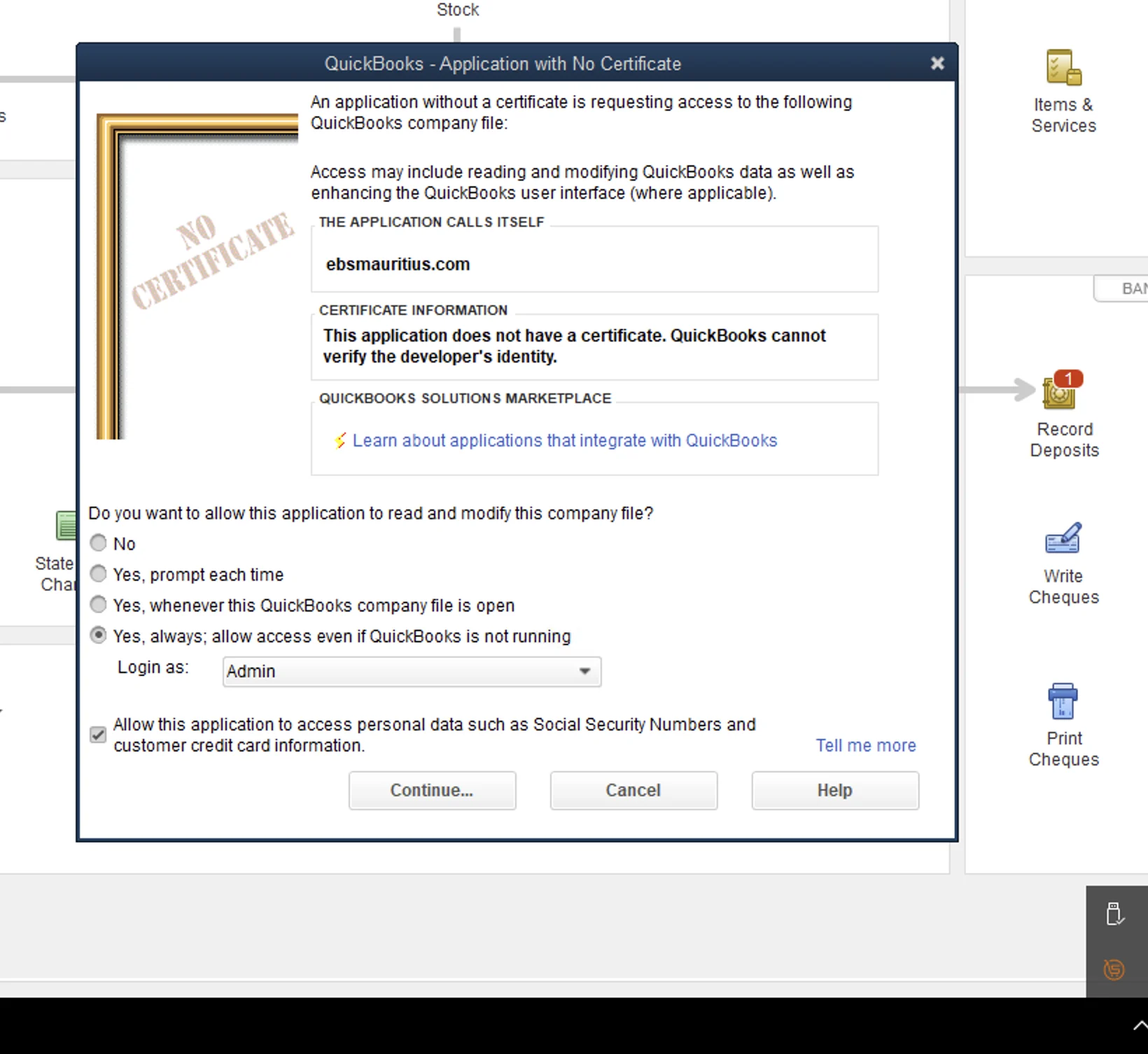
QuickBooks Desktop is one of the most requested workflows from businesses moving into MRA e-invoicing in Mauritius. Many teams have invested years in their current process and cannot switch systems overnight. We built this implementation model for exactly that reality: keep QuickBooks Desktop in place, add compliant fiscalisation, and avoid disruptive process redesign.
Why This Guide Matters for QuickBooks Desktop Users
QuickBooks Desktop is a legacy platform and its integration methods are legacy too. It is also being discontinued in several markets, but we understand that upgrades and migrations take time. Instead of forcing rushed change, we help clients run a stable transitional model so they can stay compliant now and plan platform change on their own timeline.
Cloud, On-Prem, and Fast Delivery in One Flow
We support both cloud-hosted QuickBooks Desktop and physical on-premise setups. Cloud hosting is usually smoother because internet is more stable. For physical installations, the main requirement is reliable internet at least when fiscalising.
Setup is done remotely in minutes once access is confirmed. Your existing invoicing flow stays the same, and we add fiscalisation with minimal interruption.
After fiscalisation, QR invoices can stay on the main QuickBooks machine and are delivered in seconds to any designated desktop. If customer email addresses are available, invoices can also be sent automatically in the same workflow.
Built for Suppliers and Distributors Running Delivery Fleets
In supplier and distributor environments, documents move quickly and delivery teams cannot wait for complicated post-processing. Our QuickBooks Desktop workflow is designed for these field-heavy operations, including cases where goods are delivered by trucks and invoicing must stay fast and predictable. Teams continue using their normal process with no major operational change, while compliance output is handled in the background.
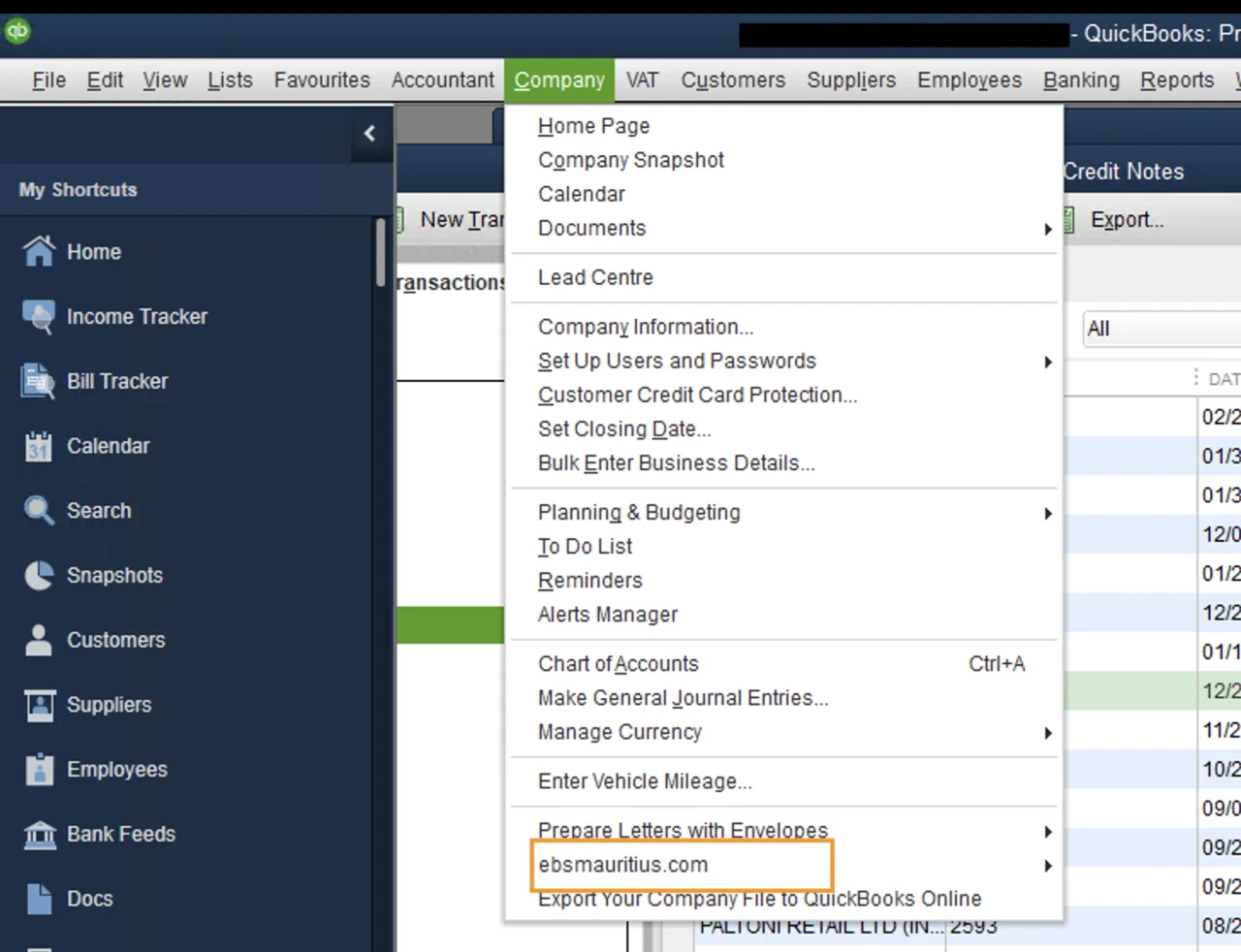
For teams that require manual control points, this mode provides a formal point-and-click path inside QuickBooks Desktop to trigger fiscalisation while preserving the established accounting workflow.
Volume Proof from Live Operations
In our operating base, QuickBooks Desktop flows account for around 10% of fiscalised documents, which is almost 55,000 documents. We have also supported daily peaks of up to 500 fiscalised documents in active supplier and distribution environments. This is why we describe the model as practical and field-tested, not theoretical.
What Makes This Approach Different
Most legacy integration discussions stop at technical possibility. Our focus is execution quality in live business conditions: stable fiscalisation, clear exception handling, fast re-transmission where needed, and distributed QR invoice availability across the teams that need it. The result is a QuickBooks Desktop workflow that stays workable under pressure and keeps compliance aligned with day-to-day operations.